
Inventing the Future

2024 Commencement
From May 16 to May 18, Penn Engineering will host Commencement ceremonies in celebration of the 2024 Penn Engineering graduates. Today is the undergraduate ceremony which can be streamed here.
We encourage our graduates and their families to use the hashtag #PennEngineeringProud on Instagram and Twitter so that we can include participants’ photos and messages in our celebrations.
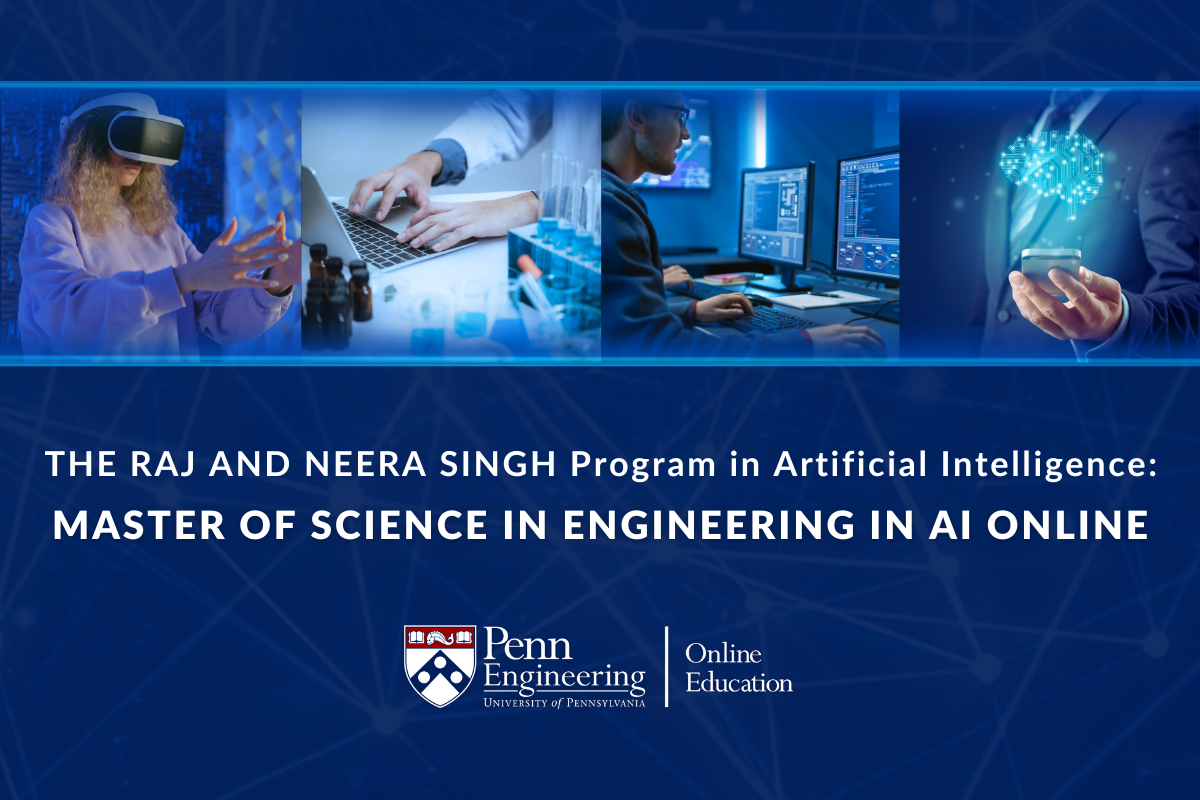
Penn Engineering Announces First Ivy League Master’s in Artificial Intelligence
Penn Engineering is proud to announce the online Master of Science in Engineering (MSE) in Artificial Intelligence (AI) degree, the first graduate program of its kind among Ivy League universities. As AI upends nearly every field, master’s-trained AI engineers are increasingly in demand.
The Raj and Neera Singh Program in Artificial Intelligence Master of Science in Engineering in AI Online will empower students with both the practical skills and the ethical foundations to lead AI into the future.

Innovation & Impact Podcast: Exploring AI in Engineering
In the latest episode of Innovation & Impact, host Susan Davidson, Weiss Professor in Computer and Information Science (CIS), speaks with three Penn Engineering experts about leveraging AI to advance scientific discovery and methods to protect its users. Panelists include: Chris Callison-Burch, Associate Professor in CIS, Surbhi Goel, Magerman Term Assistant Professor in CIS, and Cesar de la Fuente, Presidential Assistant Professor in Bioengineering, Psychiatry and Microbiology with a secondary appointment in Chemical and Biomolecular Engineering.

Webinar: Engineering in the Age of AI
In April, Penn Engineering launched AI Month with a series of lectures and discussions, including this webinar, moderated by Penn Engineering Dean Vijay Kumar, on how AI is transforming industries and reshaping engineering.
Panelists for the webinar include Michael Kearns, Professor and National Center Chair in Computer and Information Science (CIS); Surbhi Goel, Magerman Term Assistant Professor in CIS; and René Vidal, Rachleff University Professor, with joint appointments in Electrical and Systems Engineering and Radiology.
Events
Penn Engineering 2024 Commencement Open House
GRASP Seminar: Yinghao Xu, Stanford University, “Large Reconstruction Model for Efficient 3D Reconstruction and Generation”
BE Doctoral Dissertation: “Biologic Delivery to Preserve Joint Health and Promote Tissue Repair” (Elisabeth Lemmon)
Announcement
About Penn Engineering
At Penn Engineering, we are preparing the next generation of innovative engineers, entrepreneurs and leaders. Our unique culture of cooperation and teamwork, emphasis on research, and dedicated faculty advisors who teach as well as mentor, provide the ideal environment for the intellectual growth and development of well-rounded global citizens.
Learn More