
Inventing the Future

Announcing AI Month
Artificial Intelligence is rapidly transforming how humans interact with technology and augmenting human intelligence. With these transformations come both challenges and opportunities.
Penn Engineering has already positioned itself as a leader in AI with the launch of the First Ivy League Bachelor of Science in Engineering in AI. Today, Penn Engineering is pleased to announce AI Month, a four-week series of events throughout April touching on many facets of AI and its impact on engineering and society.

Penn Engineering Announces First Ivy League Undergraduate Degree in Artificial Intelligence
The University of Pennsylvania School of Engineering and Applied Science introduces its Bachelor of Science in Engineering (B.S.E.) in Artificial Intelligence (AI) degree, the first undergraduate major of its kind among Ivy League universities and one of the very first AI undergraduate engineering programs in the U.S.
The rapid rise of generative AI is transforming virtually every aspect of life: health, energy, transportation, robotics, computer vision, commerce, learning and even national security. This produces an urgent need for innovative, leading-edge AI engineers who understand the principles of AI and how to apply them in a responsible and ethical way.
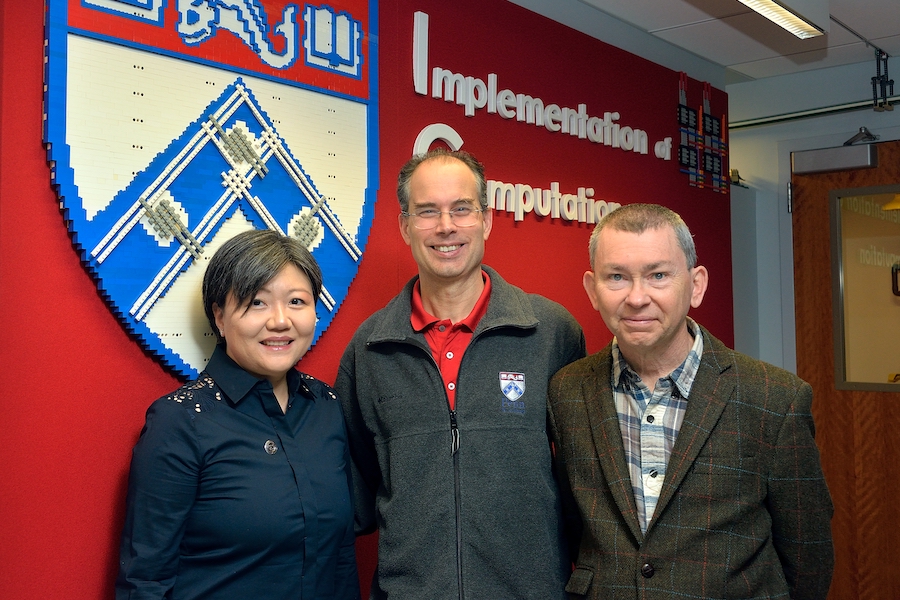
Penn Engineering Wins $13.5 Million Grant from DARPA to Enhance National Computer Security
Penn Engineering has secured a $13.5 million grant from the Defense Advanced Research Projects Agency (DARPA) to pioneer cutting-edge technology aimed at enhancing national computer security. Leading this effort is André DeHon, Professor in the Departments of Electrical and Systems Engineering (ESE) and Computer and Information Science (CIS) at Penn Engineering. DeHon’s collaborators are Jing Li, Eduardo D. Glandt Faculty Fellow and Associate Professor in ESE and CIS, who will serve as the associate director, and Jonathan M. Smith, Olga and Alberico Pompa Professor in CIS.

Mike Mitchell Profiled in the Philadelphia Inquirer
Michael J. Mitchell, Associate Professor of Bioengineering at Penn Engineering, was recently featured in the Philadelphia Inquirer. In the article, Mitchell describes how he and his team are using lipid nanoparticles (LNPs), the tiny capsules that deliver mRNA, in novel ways to treat lung cancer or broach the blood-brain barrier.

Five Years of Penn Engineering Online Master’s Degrees
Launched in 2019, Penn Engineering’s Online Master’s Program offers an Ivy League education to professionals seeking to augment their skills or switch to a new career entirely, but who are unable to attend in person. Since then, the program has seen explosive growth in the form of additional courses, certificate programs, lifelong learning initiatives and full-fledged master’s degrees, including a online Master of Computer and Information Technology (MCIT Online) degree and more recently, a Master of Science in Engineering in Data Science (MSE-DS Online).
Events
MEAM Master’s Thesis Defense: “Optical Analysis of Buckling-Induced Micro-Robotic Membranes”
MEAM Seminar: “Flows About Superhydrophobic Surfaces”
Sustainable Catering – Earth Week 2024
Announcement
About Penn Engineering
At Penn Engineering, we are preparing the next generation of innovative engineers, entrepreneurs and leaders. Our unique culture of cooperation and teamwork, emphasis on research, and dedicated faculty advisors who teach as well as mentor, provide the ideal environment for the intellectual growth and development of well-rounded global citizens.
Learn More